How to connect your wallet - New
To use GoatSwap, you will need a compatible wallet connected to the Goat Network. GoatSwap tests and officially supports the Rabby and Frame wallets. When you connect one of these wallets to GoatSwap, it will automatically configure your wallet to work with the Goat Network.
By connecting a wallet, you agree to GoatSwap’s Terms of Service and consent to its Privacy Policy.
How do you connect a wallet to GoatSwap?
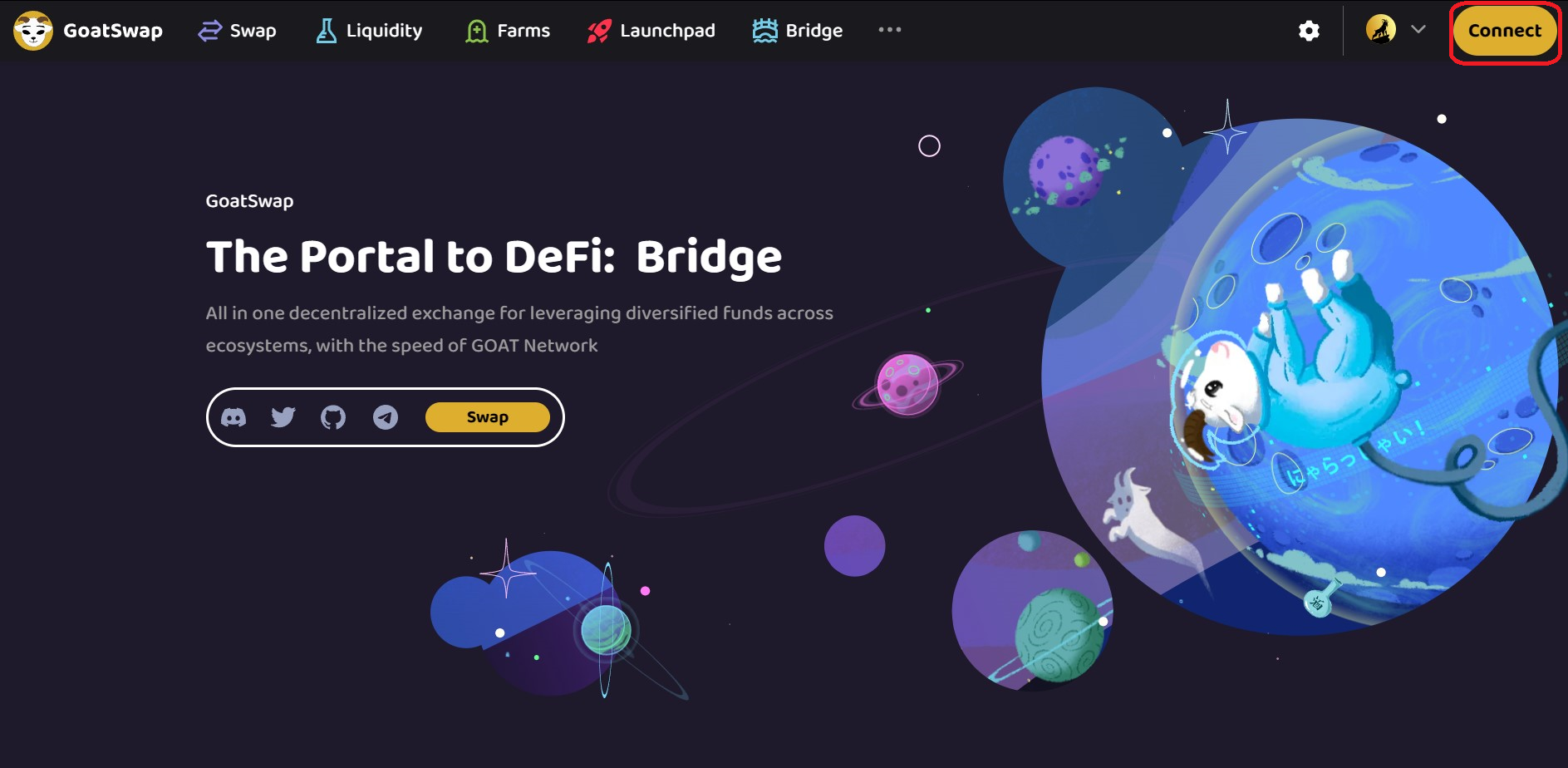
- Go to GoatSwap and select Connect in the upper right corner.
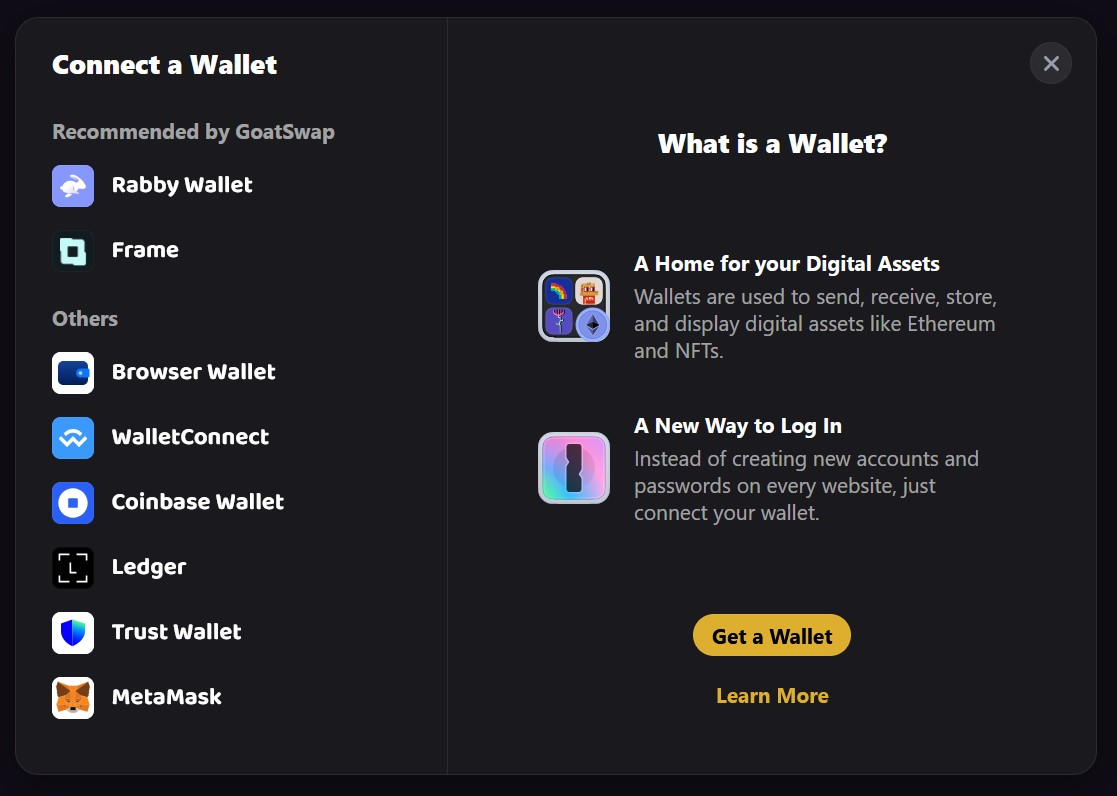
- Choose the wallet you want to connect. If you don’t have one of our recommended wallets installed you can find installation links for your chosen wallet directly on the wallet connector for the selected wallet.
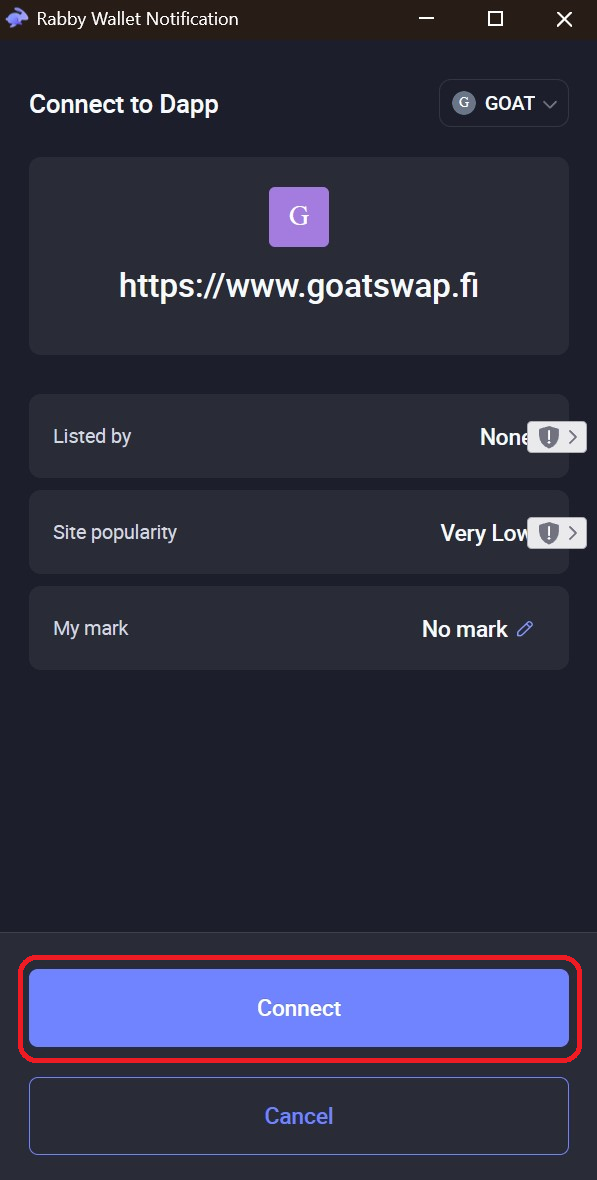
- After selecting Connect, confirm the connection in your wallet.
- After confirming the connection in your wallet, your wallet will connect to GoatSwap. In the top-right corner of the navigation bar you will see your wallet address.
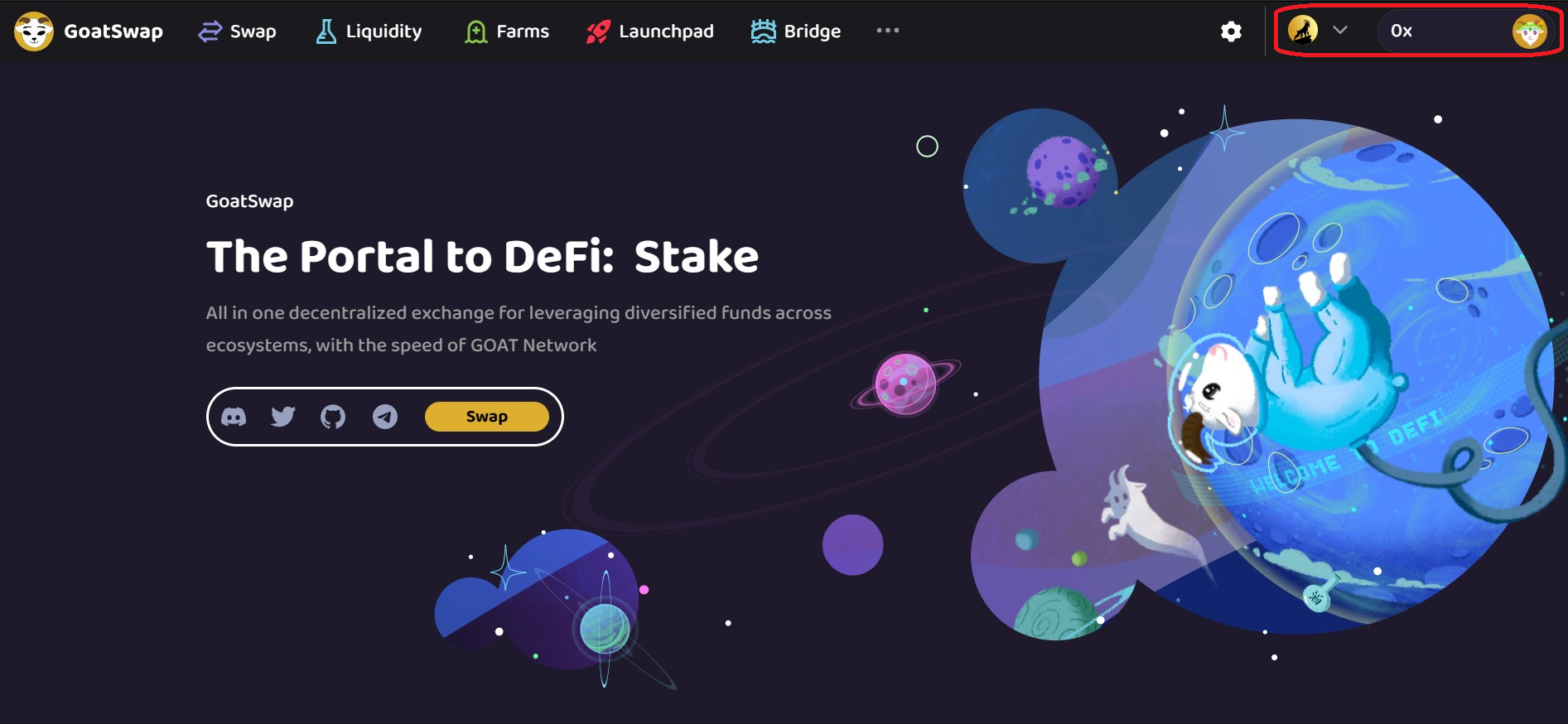
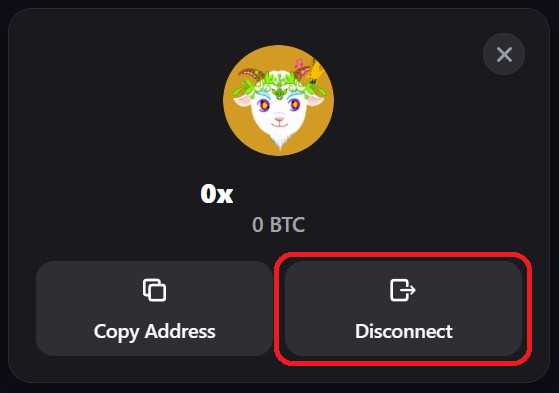
- To disconnect your wallet from GoatSwap, click your Wallet Address on the navigation bar, and a window will pop up. Select Disconnect.